
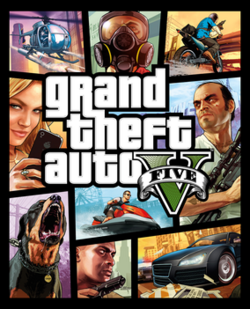
Grand Theft Auto V (GTA 5) is one of the most popular open-world action games developed by Rockstar Games. To enjoy the full game safely and receive updates, always download it from an official platform.

Step 1: Purchase GTA 5
Buy GTA 5 from an authorized store such as:
- Rockstar Games Launcher
- Steam
- Epic Games Store
The PC version includes both GTA V Story Mode and GTA Online.
Step 2: Install the Game Launcher
Download and install the Rockstar Games Launcher if required by your chosen platform.
Step 3: Download GTA 5
- Sign in to your account.
- Open your game library.
- Select Grand Theft Auto V.
- Click Install.
- Choose the installation location and wait for the download to finish.
System Requirements
Before downloading, ensure your PC has enough storage (around 105 GB for the enhanced version) and meets the minimum hardware requirements.
Tips
- Use a stable internet connection.
- Install the game on an SSD for faster loading times.
- Keep your graphics drivers updated for the best performance.
Conclusion
Downloading GTA 5 from official stores ensures you receive updates, online support, and a secure gaming experience. Avoid unofficial or pirated download sites, as they may contain malware or modified files.